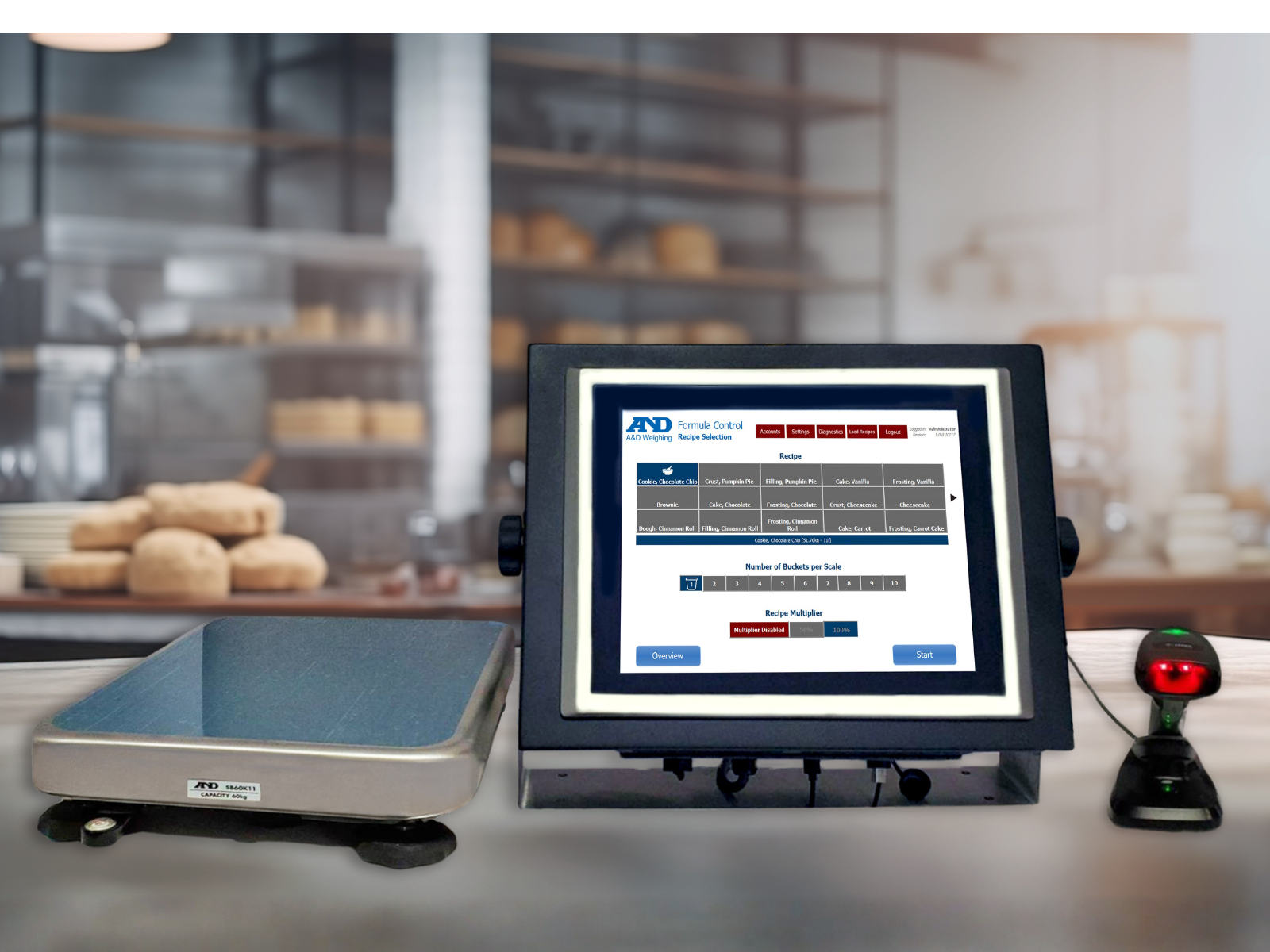
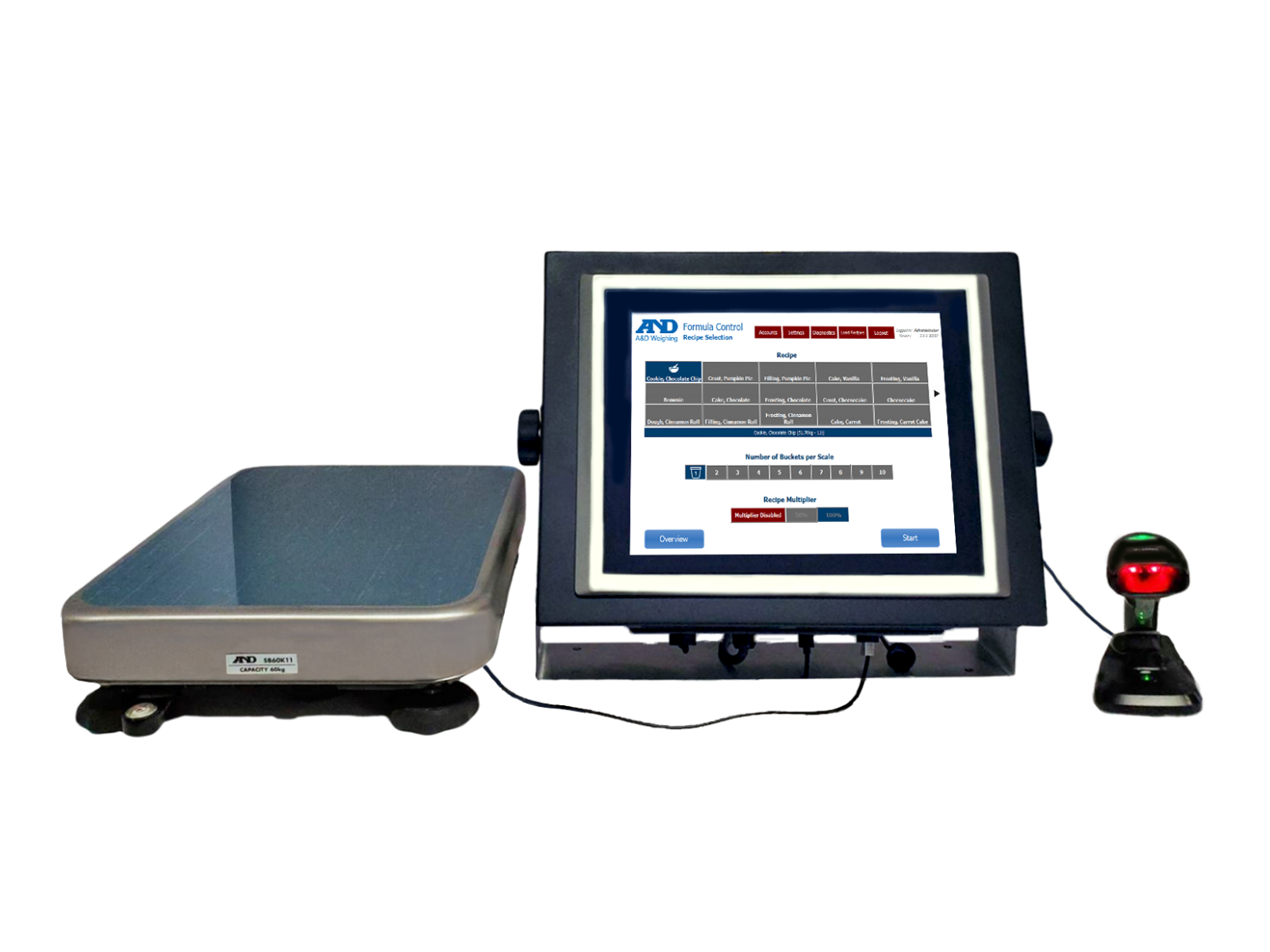
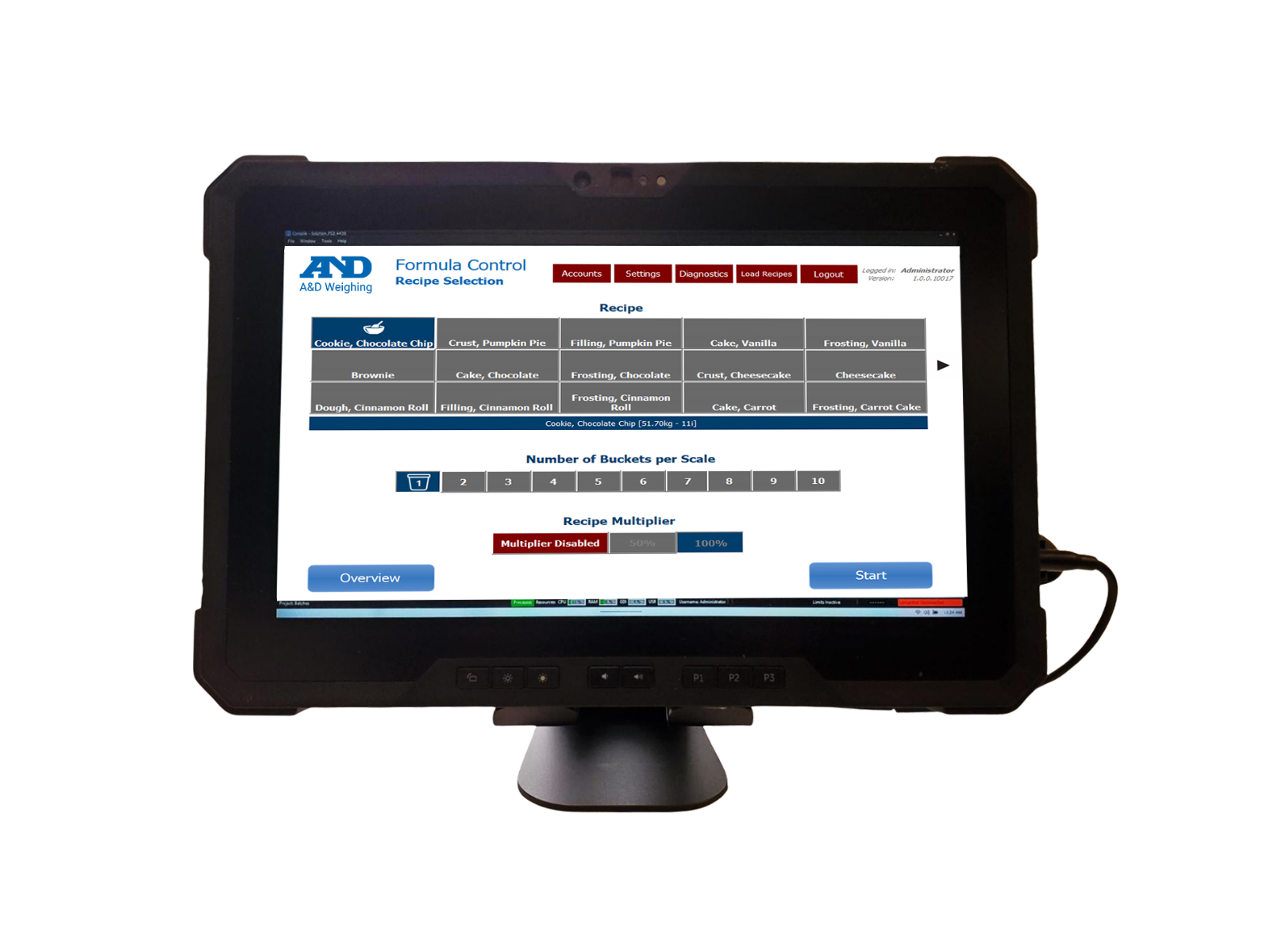
iTest Formula Control Batching Weighing system
iTest Formula Control Batching Weighing software

iTest Formula Control

A&D’s new iTest Formula Control recipe management software is designed to bring precision, accountability, and efficiency to batching operations. Whether you’re in a commercial bakery, nutraceutical facility, or cosmetic lab, iTest helps ensure every batch meets your quality standards—while keeping compliance and traceability front and center.

  • Faster Batching with operator-guided weighing, instant recalculation, and built-in alerts
  • Better Quality with ingredient-level lot tolerances, internal QA checkpoints, and barcode verification
  • Full Traceability with lot tracking and audit trails run locally or in the cloud to suit your IT setup
  • Most Affordable with two options including a tablet-only option

Schedule a Virtual Demo Here!

Compare

Features

Product Features

    • Instant Recalculation of all remaining amounts, preventing batch discard
    • Flexible Deployment to run locally or in the cloud to suit your IT setup
    • Simple Interface in English or Spanish, with remote support on demand
    • Easy integration with barcode scanners, label printers, and strain gage scales

User Benefits

  • Reduce Batching Errors with operator-guided weighing and built-in alerts
  • Improve Traceability with ingredient-level lot tracking and audit trails
  • Tablet Option for streamlined use in smaller production environments
  • Compliance and Control supporting FDA, GMP, and FSMA requirements
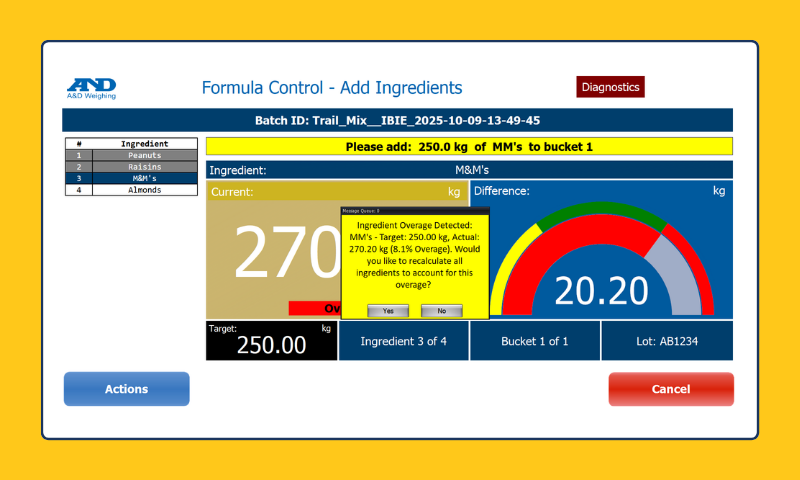
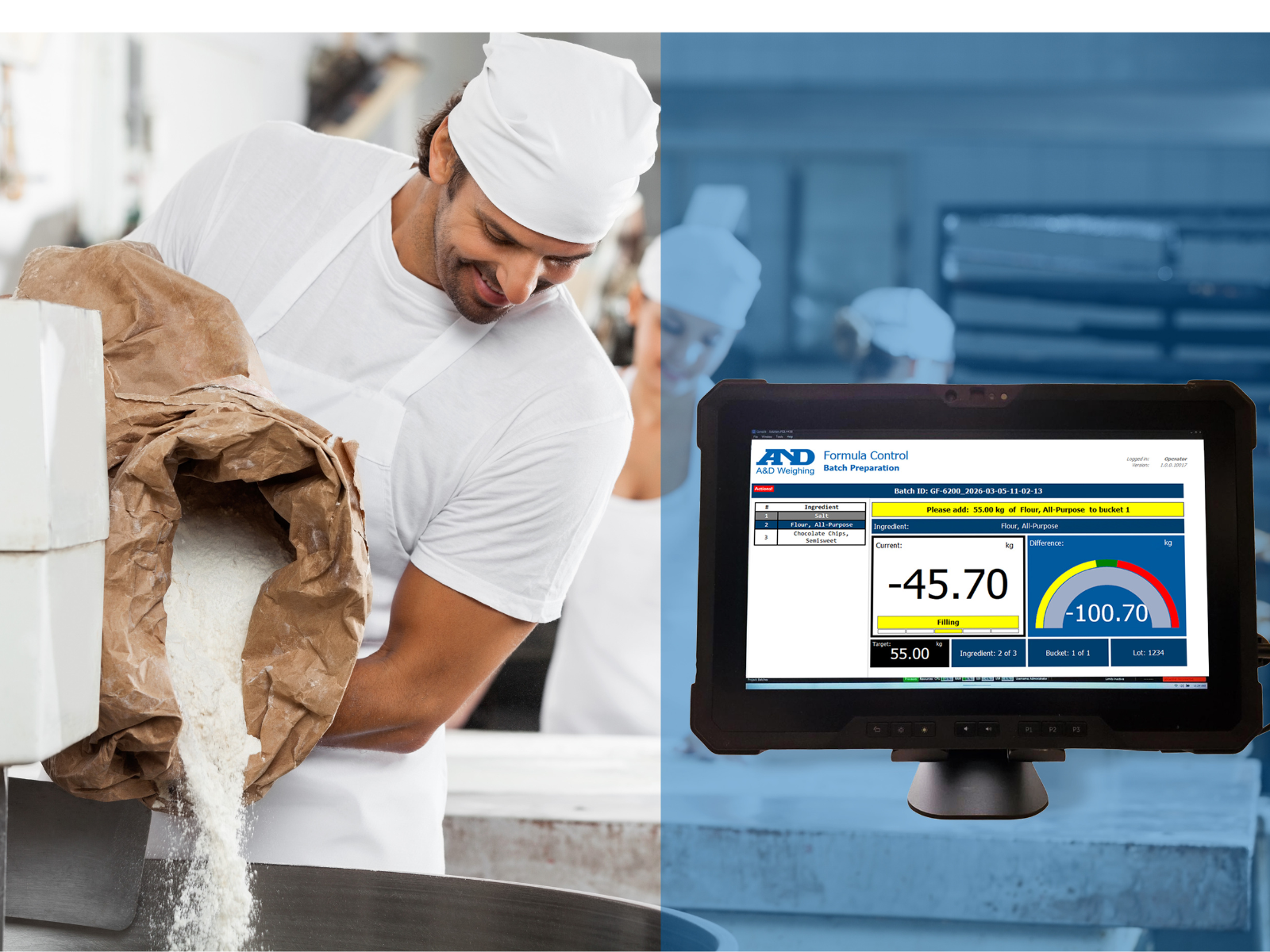
Ingredient weight adjustment interface displayed
Instant Recalculation

If there’s too much of an ingredient, iTest automatically recalculates all remaining ingredient amounts, preventing batch discard and saving time.

And operator-guided weighing includes step-by-step instructions and real-time alerts for over/under-weighing, reducing delays and errors during batching.
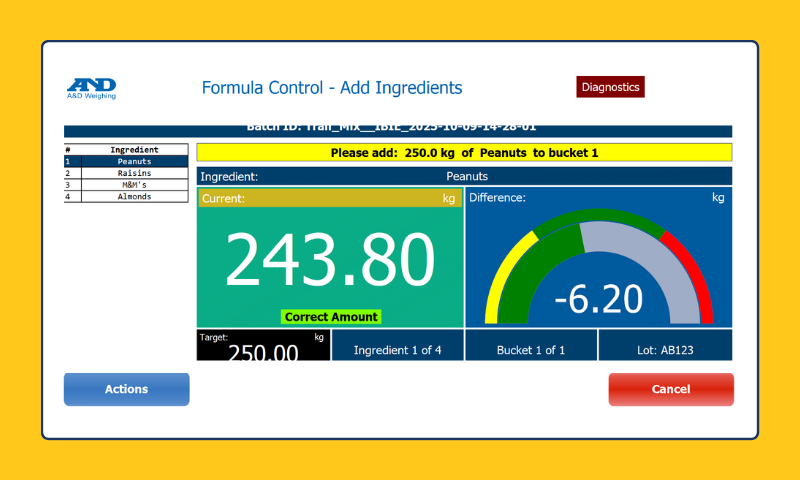
Weighing control interface for ingredients
Ingredient-Level Tolerances

Built-in alerts ensure precise weighing within defined tolerances that can be tailored to each recipe, improving consistency and product quality.

And batch data and recipe updates automatically sync to the cloud upon connection, ensuring traceability even during network outages.
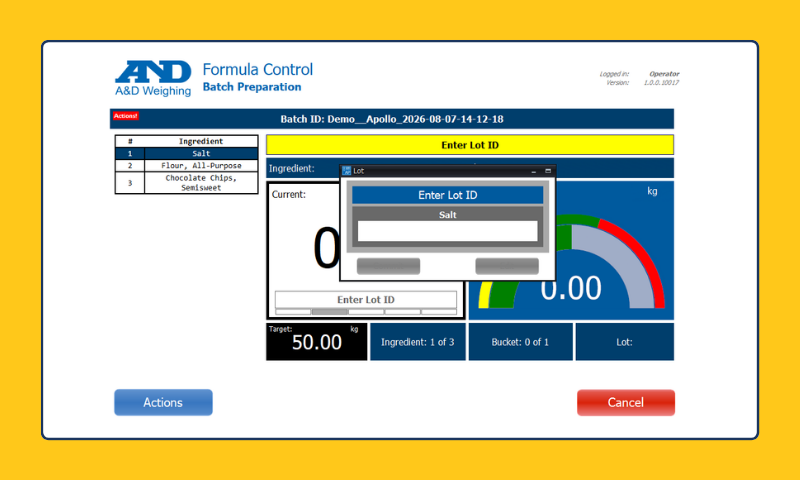
Batch preparation interface with ingredients
Lot Tracking

Tracks multiple lots for each ingredient (including use of barcode scanning), enabling quick isolation of affected batches if a quality issue arises.

And comprehensive logs that automatically sync to the cloud to provide visibility into every step of the process for compliance and accountability.

Video

Documents

Downloads

iTestFC Datasheet

8 Hidden Causes of Batching Errors (and How to Correct Them)

8 Hidden Causes of Batching Errors (and How to Correct Them) [Spanish]

iTest Overview

iTest Overview [Spanish]

FAQs

Can the computer/tablet run other software, or is it dedicated to iTest Formula Control?

It can run other software. iTest Formula Control does not remove or block other programs installed on the device.

Is there a limit to the number of users?

No. iTest Formula Control does not enforce a built-in limit on the number of users.

What types of applications is iTest Formula Control used for?

It is used to guide and verify batching, weighing, and dispensing workflows where repeatability, traceability, and operator guidance are important.

Does iTest Formula Control help reduce operator errors during batching?

Yes. It can provide step-by-step guidance, enforce target tolerances, and automatically recalculate all ingredients in a recipe in the case of an overfill to maintain batch integrity.

How quickly can operators learn the system?

The system is designed to be learned and used in minutes.

What size is the local display?

The standard local display is 15 inches.

Which languages are available (for example, Spanish or Portuguese)?

Currently, iTest Formula Control is available in English, Spanish, and Japanese. Additional languages are planned.

Does the system generate batch records or reports?

Yes. It can capture key batch details (such as weighments, timestamps, and operator actions) to support traceability. Report formats and outputs depend on configuration.

Can operators verify the correct material (for example, by scanning a barcode) before adding it?

Yes. Material verification steps can be included in the workflow to help ensure the correct ingredient is selected before it is added.

Does iTest Formula Control support role-based access (for example, different permissions for operators and supervisors)?

Yes. User access can be configured so different roles have different permissions (for example, who can run batches versus who can edit formulas).

Model Comparisons

System Type

Scale Integration

Deployment

Recipe Management

Display


Display Housing

Connectivity